Install on iPhone
Open the App Store from the product link on this page. First verify the developer, icon, and app ID, then review the price and device requirements shown in the store. After confirming the purchase, follow the App Store prompts to pay and install. If you’ve already bought the app with the same Apple ID, look for Shadowrocket in your purchased items first. The button shown by the store is a better guide to your account’s current purchase status than your recollection of when you bought it.
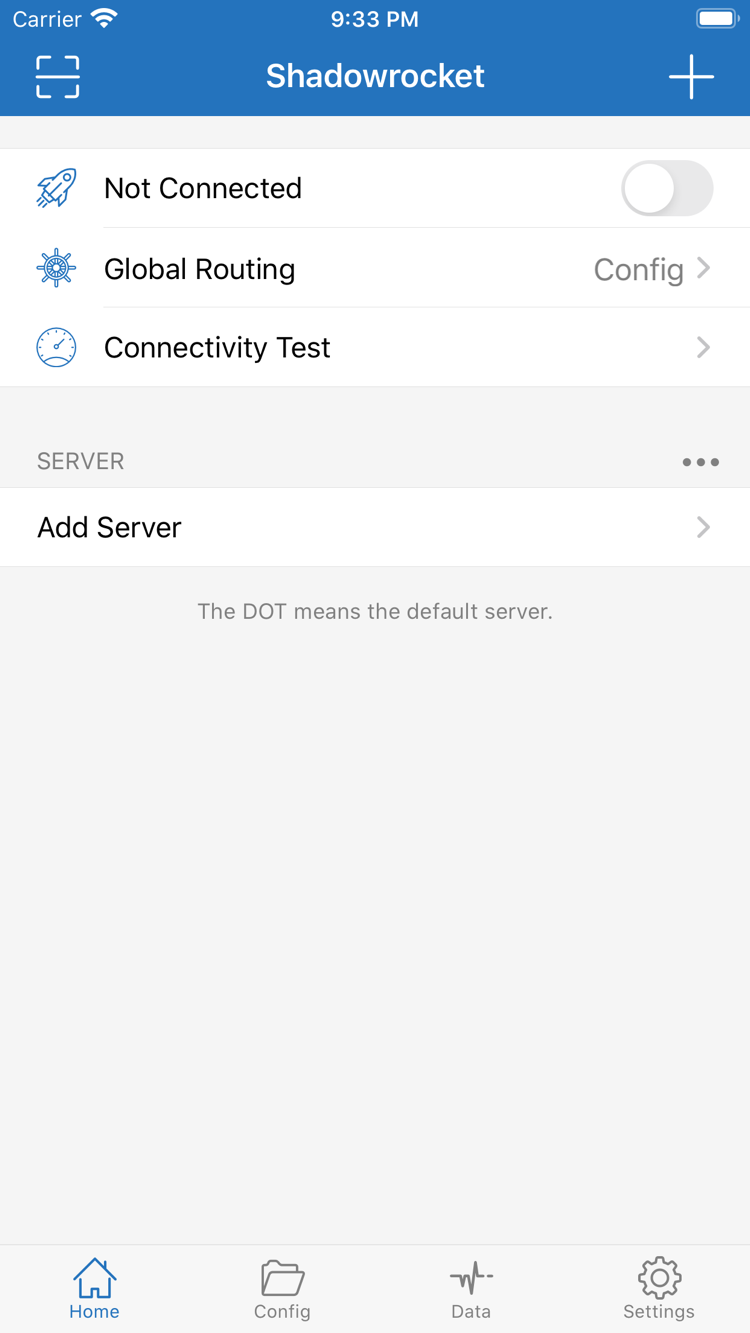
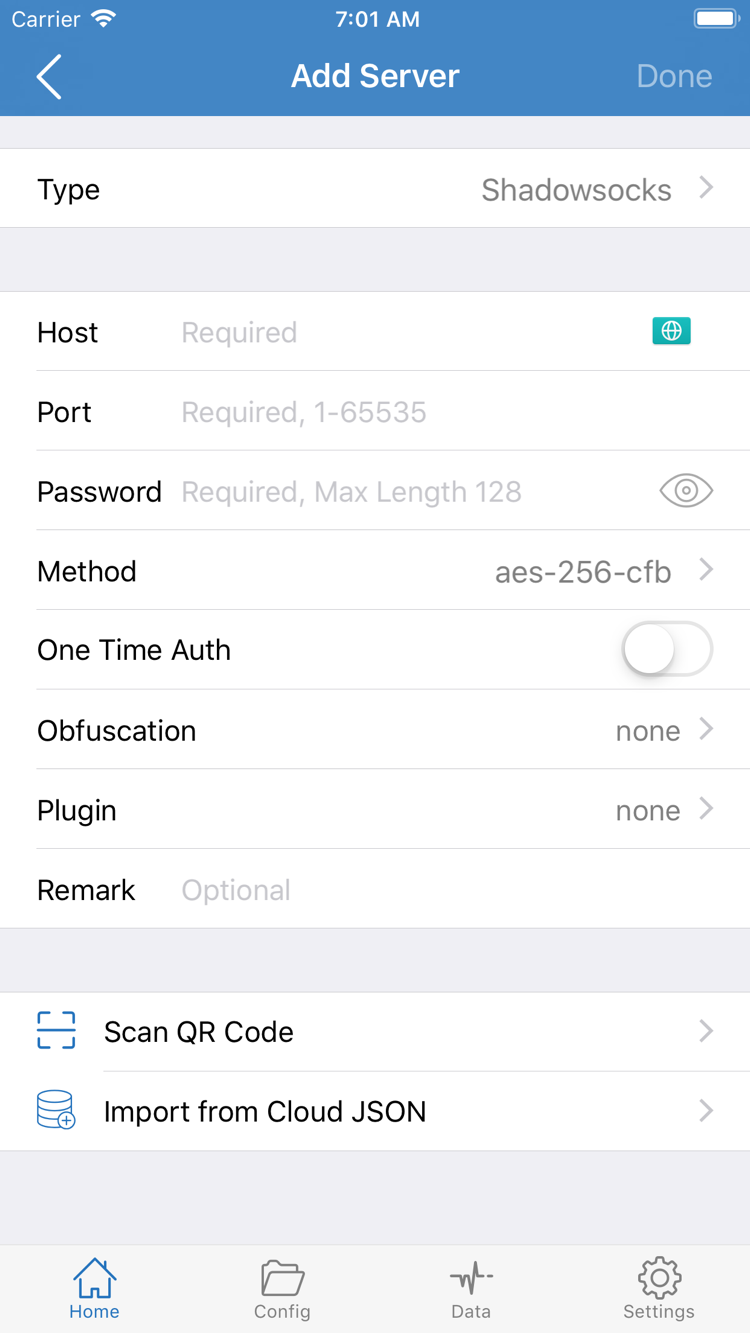
When you first open the app, stay on Home and identify options such as Global Routing, SERVER, and Add Server. Before connecting, you’ll need to import a subscription or server details you already have. If a system prompt asks for permission to add a VPN configuration when you enable a connection, read the prompt before deciding whether to allow it. This is separate from purchasing the app.
If the install button isn’t available, check your App Store sign-in, available device storage, network connection, and compatibility notices separately. Not every installation issue is a payment problem. System requirements listed on the product page may change; refer to the App Store listing.